
Vercel Alternatives and When to Use Each One
The platform with the deepest Next.js integration is not automatically the best fit for every architecture, workload or organization. As projects mature, the hosting decision often expands beyond simply deploying a frontend on Vercel. Teams may need different cost economics, persistent application services, more infrastructure control or a platform that fits an existing cloud and governance model. Also, for enterprises running Next.js alongside WordPress or Drupal, the question changes to whether the frontend and CMS should continue to operate across separate platforms.
That makes choosing among Vercel alternatives less about finding a Vercel clone and more about identifying what your stack actually needs. This guide compares the leading options by use case, explains where each one has a genuine advantage and helps you determine when moving away from Vercel actually makes sense.
Why teams are leaving Vercel
The most common reasons teams are evaluating a move away from Vercel are:
- More predictable infrastructure costs: Vercel Pro starts at $20 for each developer seat per month, with each seat allocated $20 of usage credit, after which resources such as compute, memory, invocations and data transfer are metered. Vercel provides usage projections, alerts and Spend Management controls, but teams that prefer resource-based or contract-based budgeting may still find another pricing model easier to forecast at scale.
- Different full-stack requirements: Vercel is not a frontend-only platform, but teams that want databases, persistent services, background workers and application compute managed together as established first-class components may prefer platforms such as Render, Railway or Northflank.
- Greater infrastructure control and portability: Organizations with requirements around self-hosting, bring-your-own-cloud (BYOC) infrastructure or a particular cloud environment need to consider platforms designed around those deployment models. Teams also need to account for migration work when applications depend heavily on provider-specific deployment, caching, observability or edge functionality.
- Too many platforms around one website: This becomes especially relevant for enterprise headless architectures. A company might host WordPress or Drupal with one provider, Next.js with Vercel and additional services elsewhere, leaving development environments, access controls, logs, billing and support distributed across vendors. In this case, an alternative solution such as Pantheon might be better since it runs both the Next.js frontend and the Drupal or WordPress backend under one roof.
The best Vercel alternative depends on which of these problems you are actually trying to solve.
The best Vercel alternatives and when to use each one
A team looking for persistent application services is solving a different problem from one that wants edge compute, self-hosting, or a unified home for a Next.js frontend and its CMS. That is why you need to compare Vercel alternatives by use case.
Here are your options at a glance:
Platform | Best fit when you need | How it differs from Vercel |
|---|---|---|
Pantheon | Enterprise Next.js backed by WordPress or Drupal | Runs the CMS and Next.js within the same WebOps platform, with managed environments, caching and CDN delivery. |
Netlify | A managed, framework-flexible frontend platform | Offers Git-based deployments, functions, storage and database capabilities with credit-based pricing and unlimited seats on current Pro plans. |
Cloudflare Workers | Edge-first applications and favorable data-transfer economics | Executes applications across Cloudflare's edge network. |
Render | Persistent full-stack applications | Provides web and private services, background workers, cron jobs, Postgres and Key Value as managed platform components. |
Railway | Full-stack apps with usage-based infrastructureFull-stack apps with usage-based infrastructure | Runs application services, databases and persistent storage with per-second resource billing.Runs application services, databases and persistent storage with per-second resource billing. |
NorthflankNorthflank | Containers, managed data services and BYOC | Can run workloads on Northflank infrastructure or Kubernetes clusters inside your own cloud account. |
AWS Amplify | Teams already deeply invested in AWS | Connects frontend hosting to the broader AWS ecosystem and bills primarily around consumed hosting and build resources. |
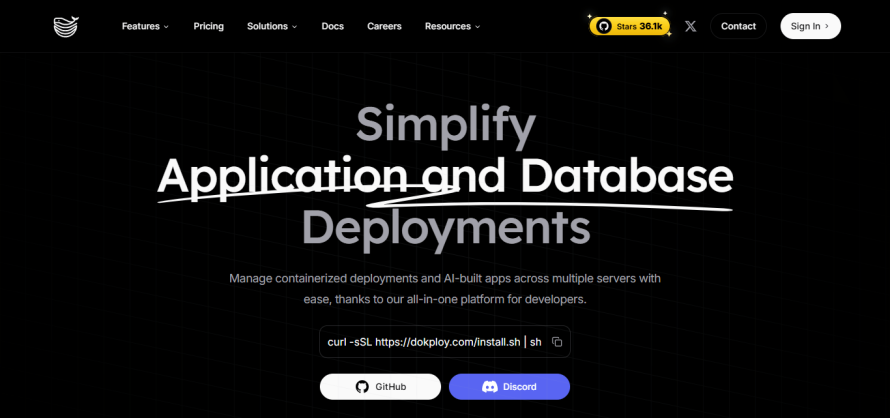
Coolify or Dokploy | Self-hosting and maximum infrastructure control | Open-source deployment platforms that run on infrastructure you provide, giving you more control and portability while leaving server operations to your team. |
None of these alternatives is simply “Vercel, but better.” Each changes a different part of the architecture, economics, or operational responsibility, so the useful comparison is when each one should actually be used.
Let’s unpack this.
Pantheon for enterprise CMS-backed Next.js
Pantheon is the best Vercel alternative for enterprise and agency teams running Next.js alongside WordPress or Drupal.
Rather than hosting the CMS with one provider and the Next.js frontend with another, Pantheon can run both on the same WebOps platform, giving teams one place to manage infrastructure, access, environments and support.
Beyond reducing the number of vendors, Pantheon provides:
- A managed Next.js runtime with container-based execution, horizontal scaling, persistent caching and Global CDN integration.
- An easier way to standardize governance and workflows across the CMS and frontend.
- Dev, Test, Live environments plus Multidev, giving teams structured deployment paths and isolated environments for branches or pull requests.
- Content Publisher, which can let editorial teams create, preview and publish content from Google Docs or Microsoft Word directly to Next.js, WordPress or Drupal.
Pantheon can simplify the operation of the whole website stack, not just replace the frontend host.
SPS Commerce shows where this model becomes compelling. It moved SupplierWiki from Netlify to Pantheon in just eight days, bringing its Next.js frontend and WordPress site under one platform, deployment workflow, support relationship and billing model. Development Manager Ryan Walker called the opportunity to consolidate “a no-brainer.”
Americaneagle.com saw an even broader operational payoff while building a Drupal 11 + Next.js commerce site. Pantheon’s automated Multidev workflow proved so effective that the agency rebuilt its deployment approach across all of its Pantheon-hosted Drupal sites around it.
Image
Netlify for a familiar managed frontend workflow
Netlify is one of the closest Vercel alternatives because the development model feels familiar: connect a Git repository, automatically build changes, create Deploy Previews for pull requests and deploy through a managed global platform.
It uses the open-source OpenNext adapter to translate Next.js features onto its infrastructure, with support for the App Router, SSR, SSG, ISR, Server Components, Server Actions, Middleware, image optimization and cache revalidation.
However, Netlify is less compelling when the reason for leaving Vercel is that you need a platform centered on persistent backend services, BYOC or unified hosting for a CMS-backed enterprise stack.
Image
Cloudflare Workers for edge-first applications
Cloudflare Workers is a more architectural departure from Vercel than Netlify. Instead of centering deployment around a traditional Node.js server environment, Workers runs JavaScript on Cloudflare’s distributed network using its V8-based runtime.
Next.js support is also much broader than it once was. Through the OpenNext Cloudflare adapter, Workers supports the App and Pages Routers, SSR, SSG, ISR, React Server Components, Server Actions, streaming, middleware, image optimization and other major Next.js features.
The trade-off is runtime compatibility – some APIs remain partial or unsupported. Even Cloudflare’s Next.js adapter does not yet support Node.js middleware, for example.
Cloudflare is strongest when edge execution is a deliberate architectural choice, rather than when the goal is simply to recreate Vercel on a cheaper host.
Image
Render for persistent full-stack applications
Render is a more natural Vercel alternative when the workload extends beyond request-driven frontend compute. A Next.js application can run as a persistent Node.js web service, while the same platform can host private services, continuously running background workers, cron jobs, managed Postgres and Render Key Value for Redis-compatible caching or queues.
That architecture is useful when, for example, a request should enqueue a long-running task rather than keep a function alive until the work finishes. Render's background workers run continuously and can process jobs from a queue, while cron jobs handle scheduled work.
However, Render does not have Vercel's deeply integrated Next.js platform experience. Next.js runs as a standard Node.js web service for dynamic applications, so teams should evaluate framework-specific behavior such as caching and deployment workflows rather than assuming feature-for-feature parity.
Choose Render when the application infrastructure surrounding Next.js is the reason you are leaving Vercel, particularly when you want the frontend, persistent compute, databases and asynchronous jobs managed on one general-purpose application platform.
Image
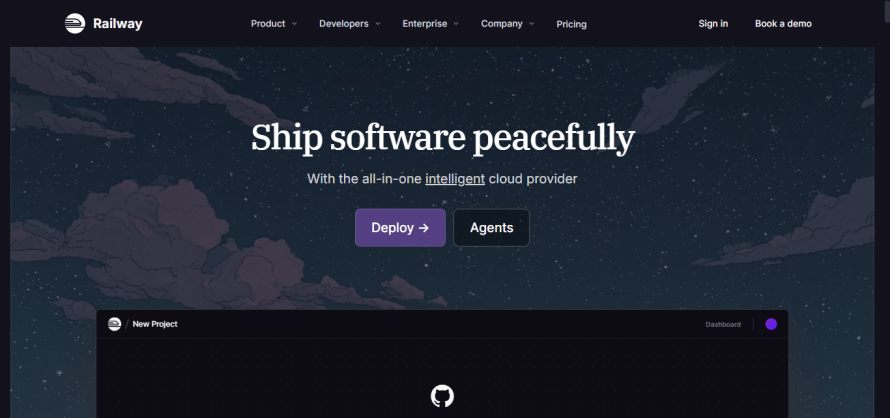
Railway for developer-friendly full-stack applications
Railway is particularly useful when the application has grown beyond a frontend deployment but the team still wants a simple Git-driven experience. A Railway project can contain multiple independently deployed services connected over private networking, with persistent volumes and shared configuration.
Railway can build from GitHub, the CLI or Docker images, and it provides parallel environments for pull requests and testing.
Keep in mind that Railway is a general application platform rather than a Next.js-specialized platform. You gain flexibility around databases, persistent storage and long-running services, but teams migrating from Vercel should validate any framework-specific behavior they currently depend on.
Image
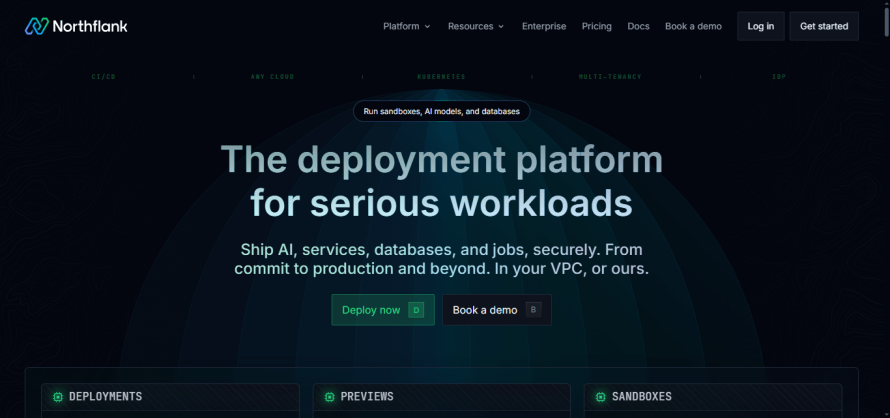
Northflank for BYOC and infrastructure control
Northflank is a strong Vercel alternative when the deciding factor is infrastructure ownership rather than frontend convenience. It provides the platform layer for deployment, CI/CD, scaling and observability, while its BYOC model can provision and manage Kubernetes infrastructure inside your AWS, Google Cloud, Azure and other supported cloud environments.
BYOC can be especially useful for organizations with requirements around data residency, existing cloud commitments or infrastructure governance. However, it means thinking in terms of Kubernetes clusters, node capacity, regions and workload scheduling rather than handing the entire infrastructure layer to a frontend-focused provider.
For teams that simply need straightforward Next.js hosting, that flexibility may be unnecessary; for enterprises with cloud, residency or complex workload requirements, it can be the reason to switch.
Image
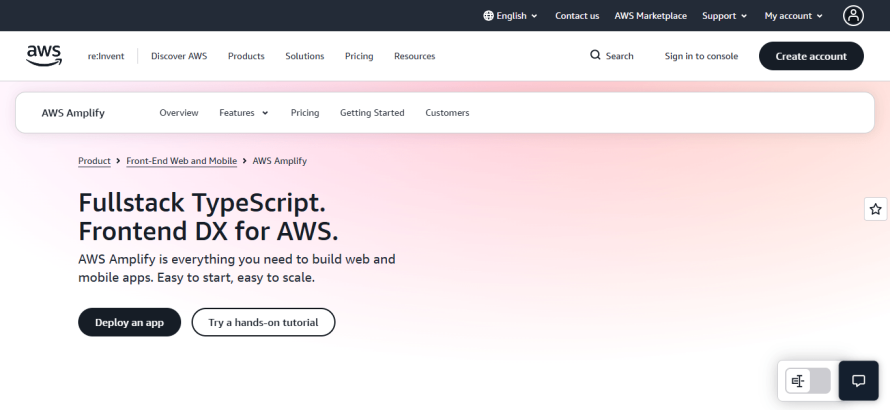
AWS Amplify for teams already invested in AWS
AWS Amplify provides Git-based CI/CD, branch deployments and pull-request previews for modern web applications, with delivery through Amazon CloudFront. For Next.js, AWS currently supports versions 12 through 15 on its managed Amplify hosting compute service, including SSR, SSG, ISR, API routes, middleware and image optimization.
Teams already using services such as Lambda, DynamoDB, Cognito, S3 or other AWS infrastructure can keep application hosting within an existing AWS architecture rather than introducing another platform and billing relationship. Amplify itself also offers code-first backend capabilities through Amplify Gen 2 for data, authentication and other serverless application features.
However, Amplify does not currently support every framework capability Vercel does, such as on-demand ISR, Next.js streaming and some edge-runtime functionality.
Amplify is strongest when AWS standardization is already a strategic decision. For teams choosing purely on the quality and completeness of the Next.js hosting experience, Amplify’s current framework limitations need to be weighed carefully against the benefit of staying inside AWS.
Image
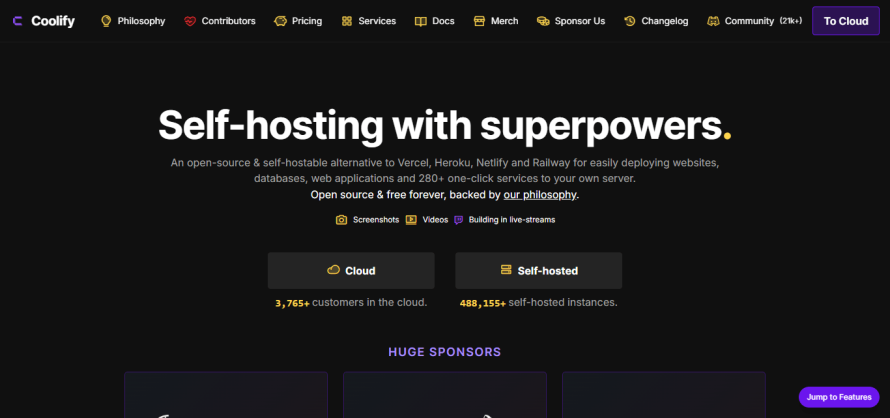
Coolify and Dokploy for self-hosting and maximum control
Coolify and Dokploy take a fundamentally different approach from Vercel. Both are open-source, self-hostable deployment platforms that let you run applications and supporting services on your own servers rather than handing the infrastructure layer to a hosting provider. The software itself is free to self-host, but that does not make the overall platform free. You still pay for servers and remain responsible for the operational work around them.
The appeal is control – you choose the provider, server size, region and surrounding infrastructure rather than adopting Vercel's managed runtime. Dokploy also supports deploying across your own remote servers, though those servers currently require root access for setup.
Keep in mind, though, that self-hosting transfers infrastructure responsibility back to your team. Server security, patching, capacity planning, backups, monitoring and recovery do not disappear because the deployment UI feels like a managed PaaS.
Choose Coolify or Dokploy when owning the infrastructure is a requirement, not simply because the underlying VPS may appear cheaper than Vercel.
Image
Image
What to check before migrating from Vercel
A production migration from Vercel involves more than moving a Git repository and changing DNS. The real scope depends on how much of your application relies on Vercel’s runtime and platform services.
Before choosing a replacement, audit:
- Rendering and caching: Confirm how the new platform handles SSR, SSG, ISR, on-demand revalidation and cache persistence. Support can differ even when both platforms advertise Next.js compatibility.
- Runtime requirements: Check Node.js APIs, Middleware, Server Actions, streaming, function duration and any native modules your application uses. Cloudflare, for example, supports most major Next.js features through OpenNext but still has specific runtime limitations.
- Vercel-managed features: Inventory Image Optimization, Cron Jobs, redirects, rewrites, headers, preview deployments, analytics and observability. Determine what the destination provides natively and what needs replacing.
- Configuration and integrations: Move environment variables and secrets carefully, then validate databases, queues, object storage, authentication providers, webhooks and third-party APIs. Migration guides typically treat these as separate workstreams for good reason.
- Deployment behavior: Test production-equivalent builds, branch environments, domains, certificates and rollback procedures before directing live traffic to the new platform.
Most importantly, “supports Next.js” does not guarantee identical behavior to Vercel. Netlify, for example, documents differences around rewrites, Middleware execution and Edge Runtime behavior despite broad Next.js support.
Choose the platform that fits the architecture
As you can see, there is no single Vercel alternative that wins every comparison. For enterprise teams running Next.js in front of WordPress or Drupal, however, the decision is broader than where the frontend executes. Splitting the CMS and frontend across providers also splits environments, governance, monitoring and support.
That is where Pantheon takes a different approach. It runs WordPress, Drupal and Next.js on the same WebOps platform, with structured Dev, Test, Live workflows, Multidev environments, a managed container runtime, persistent caching and Global CDN delivery.
Start with Next.js on Pantheon today and reap the benefits of your CMS and frontend operating as one web stack!