
Step-by-Step Drupal Cloud Migration Process
Migrating a Drupal site to the cloud can feel intimidating, especially when performance, uptime and security are on the line. Yet with the right process, Drupal hosting migration becomes an opportunity to modernize your stack, streamline development workflows and unlock serious performance gains.
In this guide, we’ll break down everything you need to know so your Drupal cloud migration is both successful and transformative.
Step-by-step guide to migrate your Drupal site to another host
Migrating your Drupal site to a cloud hosting environment requires careful planning and execution to ensure minimal downtime and complete data integrity.
Let’s get started.
Step 1: Pre-migration planning and preparation
Start with a detailed audit of your existing Drupal installation. Document your Drupal version and inventory all content types, custom modules, contributed modules, themes, integrations, cron jobs, media libraries, API connections and performance bottlenecks. This provides a clear picture of compatibility requirements and identifies what must be upgraded, refactored or deprecated before moving to the cloud.
Next, choose your cloud hosting provider. Your choice of cloud platform should align with your technical needs, compliance requirements, scalability goals and team expertise. Here are a few options:
- AWS – ideal for enterprise-grade deployments using EC2, RDS, ElastiCache, S3 and CloudFront.
- Microsoft Azure – strong for organizations leveraging Microsoft ecosystems, with scalable Container Apps and Azure Database services.
- Managed Drupal hosts (such as Pantheon) – provide Drupal-specific performance tuning, automated workflows and integrated infrastructure.
We’ll get into these options more in-depth in the next section.
Before starting the migration process, back up everything – database, codebase, media files and exported configuration. You can use Drush or mysqldump for your database, export configuration with drush config-export and archive all files under sites/default/files. Store your backups both locally and in redundant cloud storage.
You will also need to clarify what success looks like. Goals often include improved performance, autoscaling under load, CDN-backed global delivery, pay-as-you-go cost control or enhanced security posture. Document these to guide your architecture decisions.
Step 2: Set up and configure the environment
In this phase of the migration process, you’ll prepare your new environment according to your platform. For example, if you settled on AWS, choose performant EC2 or container workloads, configure RDS databases, set up Redis via ElastiCache and use S3 for media.
You’ll also need to:
- Ensure your target environment meets Drupal’s current requirements for PHP, MariaDB/MySQL/PostgreSQL, Apache or Nginx, proper PHP extensions, memory and active SSL/TLS certificates (Let’s Encrypt, AWS ACM or platform-provided certificates).
- Provision the database instance, create users with the least-privilege access, define collation and document connection details. For managed services, ensure security groups allow necessary connections from your application layer.
- Configure networking and security by setting up VPCs, firewalls, IAM policies, SSH access controls, encryption settings and automated backups. Establish guardrails early – security misconfigurations are harder to fix after deployment.
Step 3: Execute migration
Here, you’ll:
- Manage dependencies with Composer: Run composer install and update core/contrib packages to align with the target environment’s PHP and system libraries.
- Transfer Drupal files: Upload your codebase and files to the new environment using SFTP, rsync, Git (Pantheon) or your CI pipeline. Maintain directory structure and correct file permissions.
- Import the database: Move your SQL backup to the new server and import it using MySQL or Drush. For large databases, decompress and import in chunks if needed.
- Update configuration files: Modify settings.php with new database credentials, trusted host patterns and environment-specific overrides. Add platform-specific includes where required.
- Synchronize configuration: Run drush config-import followed by a cache rebuild to keep the environment consistent with the exported configuration.
Step 4: Optimize performance and security
You can enhance performance and security with:
- A multi-layer caching: This is especially important for high-traffic sites. Enable Drupal’s internal page and dynamic caching, configure Redis or Memcached and enable OPcache. Caching is the backbone of cloud performance.
- A content distribution network (CDN): Attach CloudFront, Cloudflare or your provider’s integrated CDN to offload static assets and improve global latency.
- SSL/TLS: Install certificates, enforce HTTPS, configure HSTS and fix mixed-content issues.
- An optimized database: Tune queries, add indexes, review slow query logs and configure read replicas or caching layers depending on your cloud provider.
- Security measures: Use secrets management, web application firewall (WAF) protection, automated updates, log monitoring, tight IAM roles and MFA for all administrative accounts.
Step 5: Configure DNS and go-live
Test your site on a temporary domain, validate all features, then update DNS records (A, AAAA, CNAME or nameservers). Lower TTLs temporarily to allow quick rollback if needed. Once traffic switches over, re-enable full caching and verify CDN propagation.
Step 6: Post-migration validation and optimization
Conduct functional, performance, data integrity and security testing. Confirm URL routing, file access, user roles and custom integrations. Also, monitor logs, implement APM tools, scan for errors and review resource utilization. Optimize caching and adjust infrastructure sizing based on real traffic.
Step 7: Establish CI/CD workflow (recommended)
Automation ensures consistent deployments and reduces human error. Use Git-based workflows, configuration management, Composer, automated deployments and testing pipelines. Platforms like Pantheon provide these natively.
Top cloud hosting providers for Drupal
Choosing the right cloud hosting provider is just as critical as executing the migration itself. Here are the top platforms to host your Drupal site.
Pantheon
Image
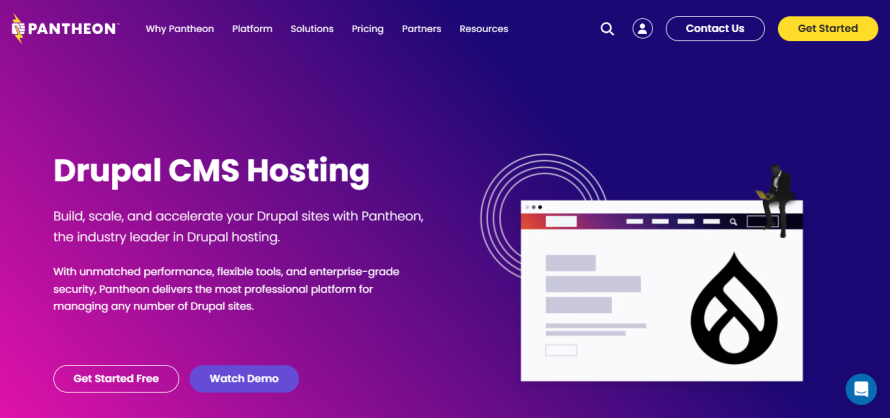
Pantheon offers a highly specialized WebOps platform built specifically for Drupal (and WordPress) that supports Dev, Test, Live workflows, version control integration and scalability out of the box. With over 700,000 sites on its infrastructure, it has proven performance and reliability credentials.
Pantheon’s advantages include its container-based architecture, automated backups, global CDN capabilities and strong team workflows. These capabilities make this platform ideal for organizations that want a managed, Drupal-optimized hosting experience without building all the infrastructure themselves.
Upsun
Image
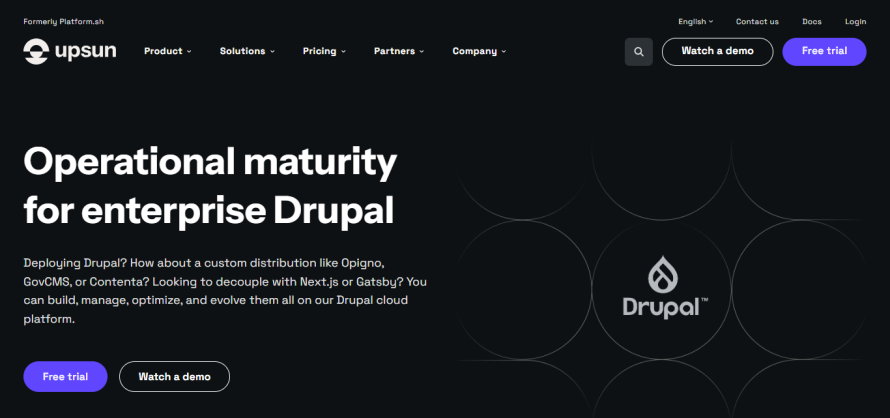
Upsun (formerly Platform.sh) is a cloud platform that emphasizes Git-driven workflows, multi-environment clonability and broad multi-cloud support. It enables organizations to spin up Dev/Staging/Prod clones, deploy via Git push and replicate environments byte-for-byte for reliable testing and production parity.
Upsun’s strengths include unified service management (Redis, Elasticsearch, Solr included), autoscaling, multi-cloud deployment options (AWS, Azure, OVHCloud) and built-in observability.
Keep in mind, Upsun is more “platform as a service” than traditional hosting, so teams need some comfort with version control, YAML configuration and devops workflows to unlock its full value.
Acquia
Image

Acquia’s digital experience platform integrates hosting, personalization, marketing automation and content governance. Its Site Factory enables centralized management of hundreds or thousands of Drupal sites, with automated updates, templating and role-based controls.
However, all that power comes with a premium price tag. Entry plans start higher than those of competitors and Site Factory can cost tens of thousands per year. Some offerings also introduce tighter coupling to Acquia-specific tooling and proprietary abstractions around Drupal, which can limit architectural flexibility and increase the risk of vendor lock-in over time. For organizations prioritizing portability, composable stacks or gradual modernization, these constraints must be considered.
DigitalOcean
Image
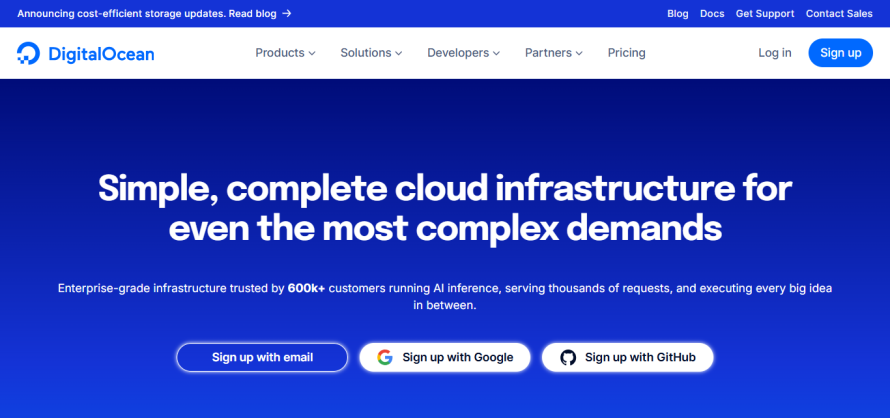
DigitalOcean is known for being affordable, simple and developer-friendly. It’s great for smaller budgets or teams who want full control over their environment. You can deploy any stack you like – LAMP, Docker, Kubernetes – and scale Droplets vertically or horizontally.
But, keep in mind that DigitalOcean is not managed Drupal hosting, so you’re responsible for everything – OS updates, security patches, PHP upgrades, caching layers, backups and performance tuning. Also, there’s no Drupal-specific tooling or expert support. You’ll need to set up and maintain Varnish, Redis, CDN integrations and high availability yourself.
Host your Drupal site with Pantheon
Pantheon is one of the most trusted platforms for hosting Drupal. Its strengths come through clearly when you look at what the platform delivers:
- Exceptional performance and infrastructure: Pantheon’s container-based architecture (which runs on Google Cloud) allows sites to scale horizontally across multiple lightweight instances, which provision far faster than traditional VMs. This results in consistently high performance for traffic-heavy Drupal sites. With an advanced Global CDN powered by Fastly, most teams see page speed improvements immediately after migrating.
- Workflows designed for developers: Pantheon gives teams Dev, Test, Live environments out of the box and adds Multidev for creating unlimited, isolated development environments tied to Git branches.
- Autopilot for automated updates: Autopilot handles Drupal core and module updates automatically by creating a Multidev environment, applying updates safely, running visual regression tests and allowing you to deploy with confidence. This dramatically reduces maintenance work and minimizes security risk.
- Streamlined migration support: Pantheon offers both guided and self-serve migration paths, including detailed documentation, webinars and automated tools that reduce the time needed to move websites onto the platform.
- Enterprise-grade security: The platform provides WAF, DDoS protection, managed HTTPS and more. Also, production environments are immutable to prevent unauthorized changes with Multizone Failover.
- A complete WebOps ecosystem: Features like Redis caching, New Relic monitoring, Upstreams for managing multiple sites and advanced page cache all integrate to support faster releases and better performance across single sites and large portfolios.
Bottom line is that if you want a fast, secure and developer-friendly home for your Drupal site, Pantheon is hard to beat.
Migrate to Pantheon today
Migrating your Drupal site to the cloud is more than a technical upgrade – it’s an investment in performance, security and long-term scalability. Pantheon streamlines this transition with a platform purpose-built for modern Drupal development, giving your team faster workflows, automated updates and an architecture that can scale without rework.
Whether you’re coming from legacy infrastructure, preparing for a Drupal upgrade or consolidating a portfolio of sites, Pantheon provides the tools, support and reliability to make your migration smooth and future-proof.
Start your Drupal migration on Pantheon today to modernize your stack and unlock next-level speed, stability and productivity!
FAQs
Is Drupal cloud-based?
Drupal itself is not cloud-native, but it runs exceptionally well on cloud infrastructure. Modern platforms like Pantheon provide optimized cloud environments specifically designed to run Drupal at scale.
What is the best web server for Drupal?
Both Nginx and Apache work well with Drupal. Nginx generally delivers better performance under high concurrency and is preferred for containerized or high-traffic environments. Apache is more flexible for complex rewrites and is still widely used on managed Drupal platforms.
Are there reliable free or low-cost cloud hosting options for small Drupal projects?
Yes, but with limitations:
- AWS free tier: 12 months of t2.micro or t3.micro instances – works for dev/testing, not ideal for production.
- Google Cloud free VM: One small f1-micro instance – too weak for full production Drupal.
- DigitalOcean: Not free, but very low-cost at $4/month.
These options are best for hobby sites, prototypes or learning – not business-critical deployments.
What security features should a top Drupal cloud host offer?
Look for automated HTTPS, WAF, DDoS protection, automatic backups and immutable production environments. These features help protect Drupal from common vulnerabilities and human error.
How does Cloudways work for Drupal hosting?
Cloudways is a managed hosting layer that sits on top of cloud providers like AWS, DigitalOcean and Google Cloud. They don’t run their own infrastructure – Cloudways configures and manages servers for you, handling backups, security patches, caching and deployment tools. It’s easier than DIY hosting but lacks Drupal-specific workflows like Multidev, Autopilot or WebOps pipelines that platforms like Pantheon provide.